
01 / Search
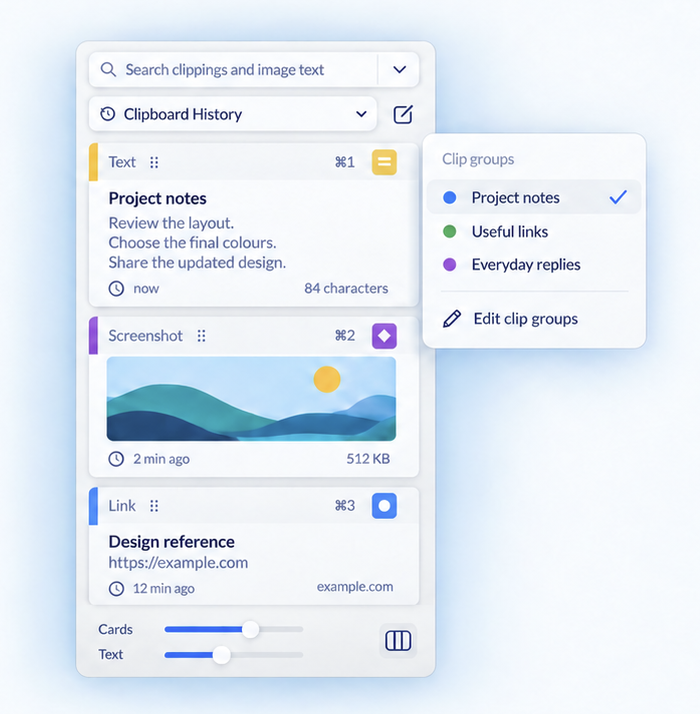
Search your clipboard history.
Find copied text, links, images and files. Filter by source app or content type, then copy or paste a saved item.
Clipboard history guide
ClipSnapper for Mac
Save and search what you copy. Capture your screen, mark up screenshots or clipboard images, and pick any colour on your Mac.
Also on iPhone and iPad · Optional iCloud sync · macOS 14+
Clipboard management on Mac
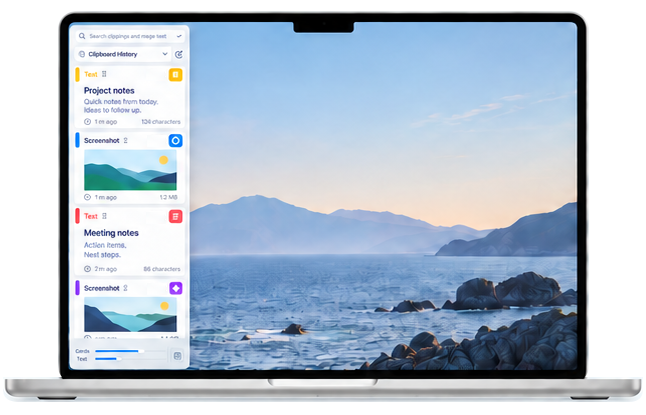
Copy something new without losing what came before. Keep text, links, images and files ready to find and reuse.
01 / Search
Find copied text, links, images and files. Filter by source app or content type, then copy or paste a saved item.
Clipboard history guide02 / Organise
Create named, coloured clip groups for project references, saved replies and reusable text. Select a group to find its clippings.
Clip groups guide03 / Screen capture & markup
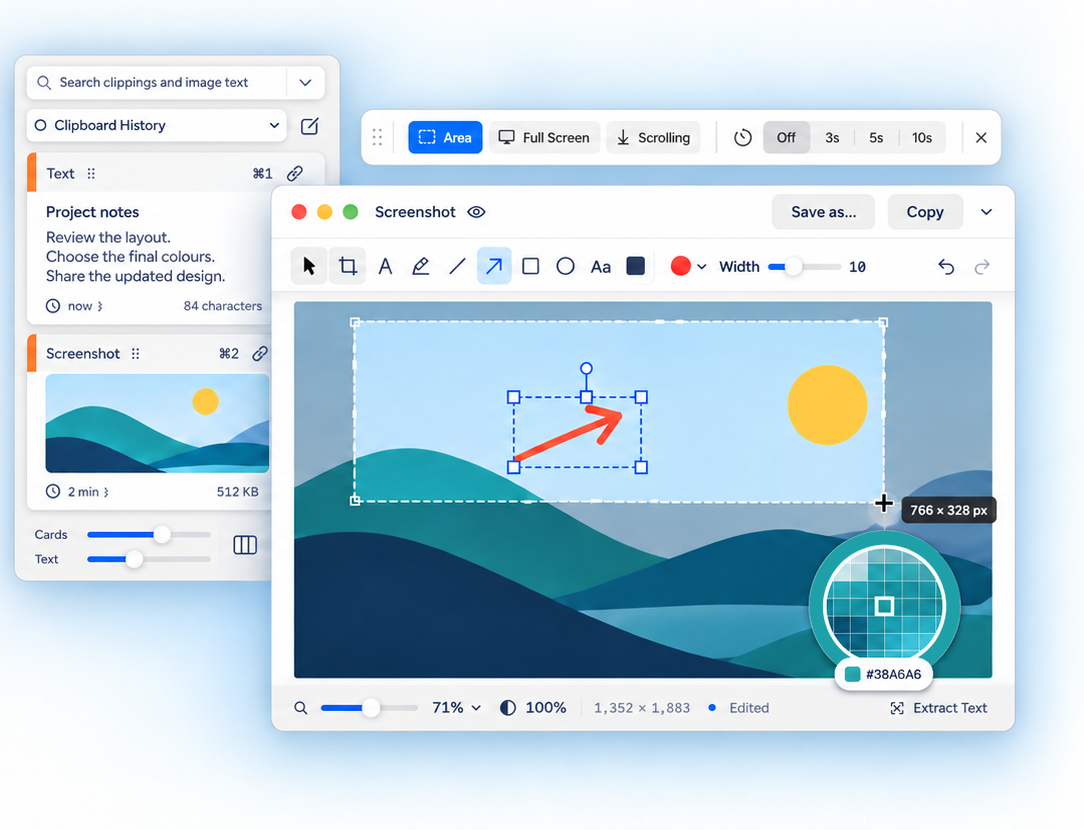
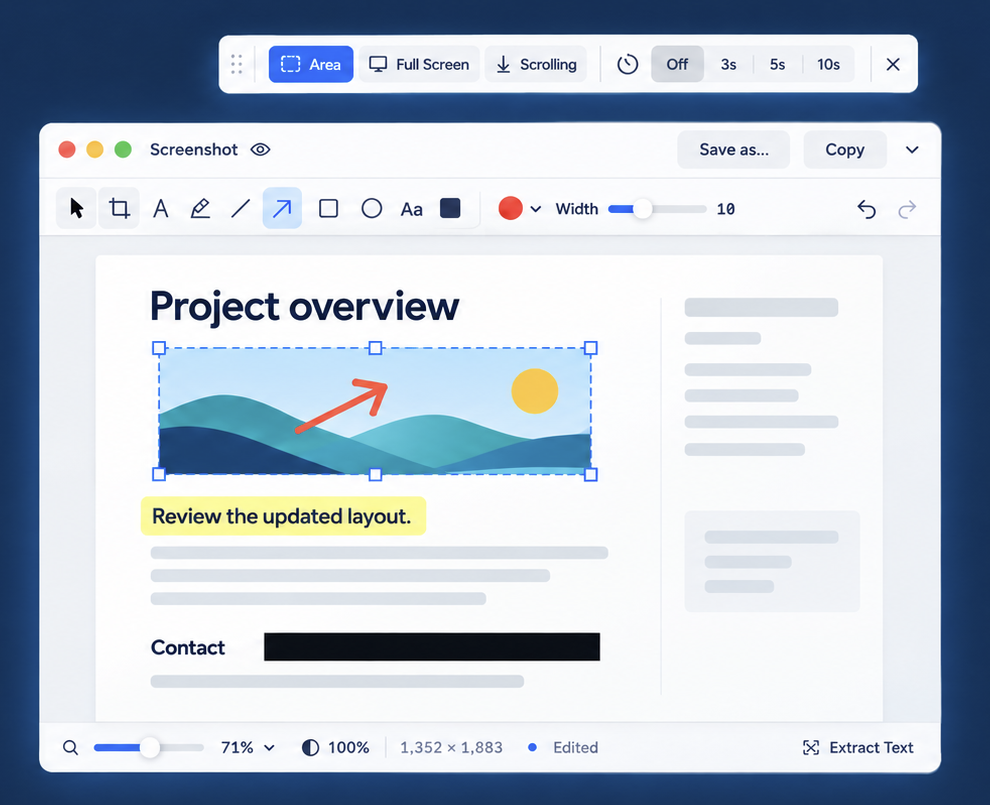
Capture an area, a full screen or a scrolling page on Mac. Use a timer for menus and temporary content.
Crop, draw, highlight and add arrows to screenshots or any image in your clipboard.
You can also share screenshots to the iOS app for markup.
Mac, iPhone & iPad
Turn on optional iCloud sync to share saved clippings and clip groups between devices using the same iCloud account.
Optional iCloud sync
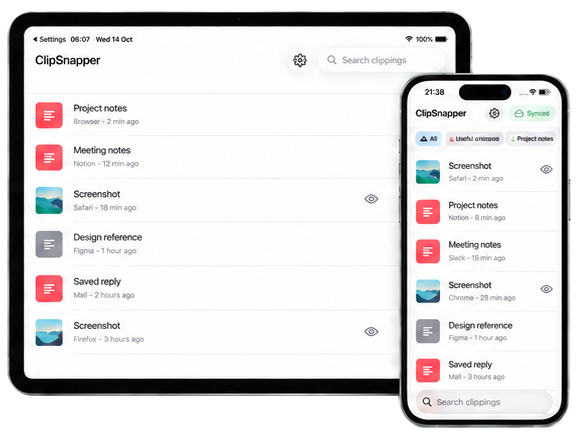
Swipe or scroll sideways to compare devices.
| On your MacmacOS 14+ | On iPhone & iPadiOS & iPadOS 17+ | |
|---|---|---|
| Save | Clipboard changes are saved automatically after setup. | Add text, links and images through the Share menu, or sync saved clippings with iCloud. No automatic clipboard monitoring. |
| Capture & edit | Capture and mark up screenshots, pin images on screen and sample colours. | Open saved screenshots for markup. |
| Find & reuse | Search your history and clip groups. Copy or paste with keyboard shortcuts. | Search your library, browse clip groups and tap to copy. |
Mac file references may not be usable on another device.
More ways to work
Sample any point on your Mac’s screen. Copy HEX, RGB, HSL or SwiftUI values, and revisit recent colours.
Colour picker guideChoose how long Mac history is kept, save individual clippings, and create a local backup from Settings.
Manage your historyCopy or paste from the Mac carousel with the keyboard. Add capture and clipping actions to Apple Shortcuts workflows.
Explore shortcutsUse one device, or sync through your private iCloud database. Sync starts off on the welcome screen for new installations.
Stop future clipboard capture from selected apps, and remove clippings you don’t want to keep.
Sensitive-content markers can help, but cannot catch every confidential item.
ClipSnapper is under App Store review for Mac and iOS. It is not publicly available yet. Links to the store will appear here when available.
No. You can keep saved clippings on one device. Turn on sync if you want to share your library with other devices running ClipSnapper on the same iCloud account.
No. On iPhone and iPad, you choose what to save through the Share menu. You can also receive saved clippings through iCloud sync. Automatic clipboard history is a Mac feature.
On Mac, use Copy Text on an image or Extract Text in Markup. Recognition happens on your device. Mac search also finds text inside stored images.
Start with the user guide and troubleshooting, or email Michael with your device, operating system and a description of the problem.
App Store availability
ClipSnapper for Mac, iPhone and iPad is not publicly available yet.
App Store links will be added here when available.